

Maintenance contracts and recurring orders
Create inspection and maintenance appointments as orders automatically, plan and bill them.
Under Sales → Service contracts you create contracts for recurring services, such as the annual smoke detector inspection or heating maintenance. AuftragsDesk creates the order in good time before each date.
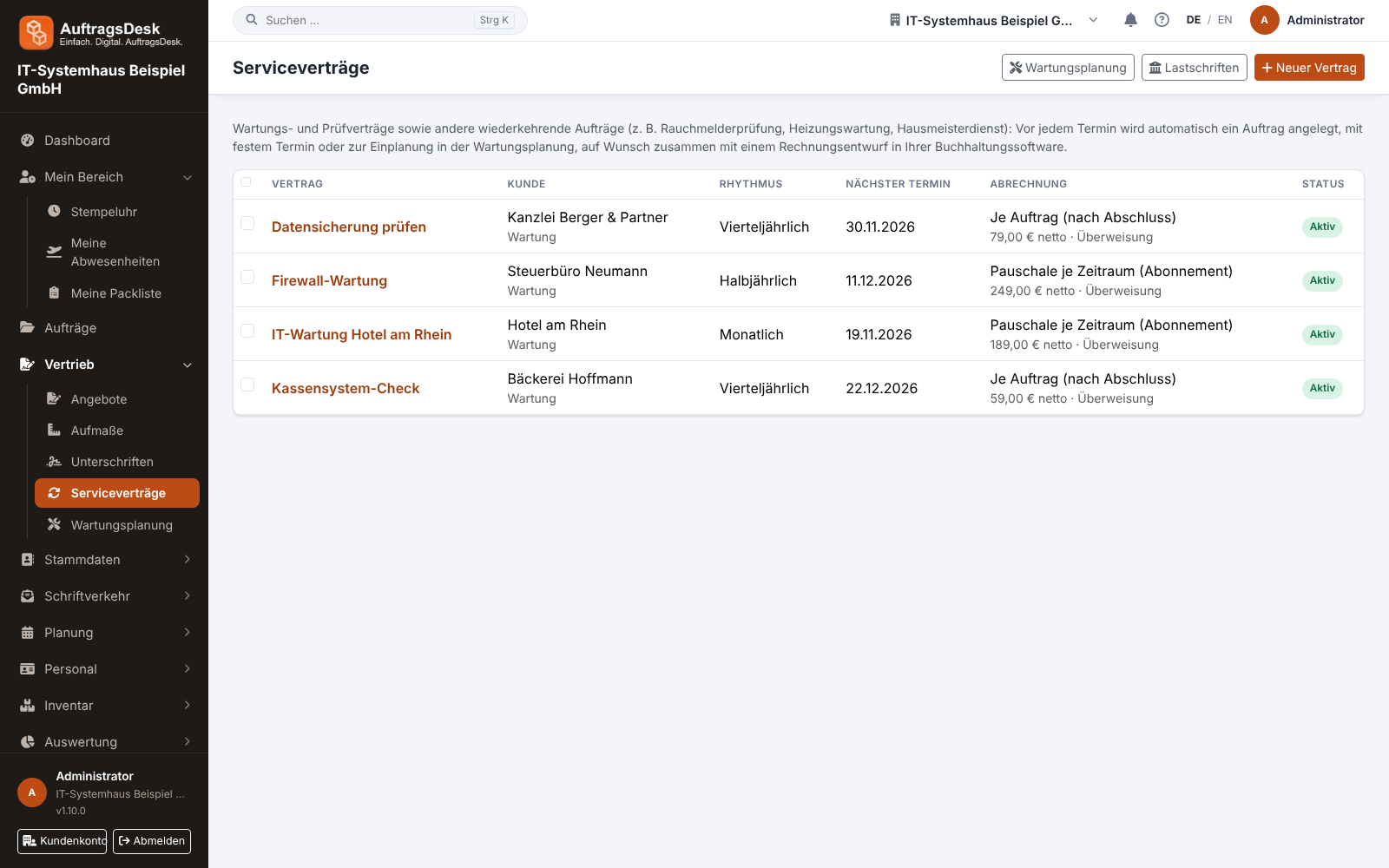
Creating a contract
- New service contract: choose the customer or job location.
- Service (maintenance, inspection, examination, cleaning, other) and system / test object, e.g. "14 smoke detectors flats 1–6".
- Interval: weekly to yearly, also every 2 months or every 2, 3, 4 or 5 years.
- Date in the order: "fixed date" with day and time, or "date open, to be scheduled".
- Next date: by "fixed calendar" or "from last execution".
- Billing: as a subscription or per visit, optionally by SEPA direct debit.
Attach inspection reports on the contract page. Every created order gets them automatically.
Maintenance planning
Sales → Maintenance planning shows all maintenance orders not yet done, sorted by due date. Orders without a date and overdue ones are highlighted. Below you see a preview of the upcoming dates of all contracts for 1, 3, 6 or 12 months.
Skipping a date
If a visit is cancelled, click Skip next date on the contract page. No order is created and the contract moves on.
Extending a contract
If a contract has an end date, you get a notice 30 days before. On the contract page, Extend by one year moves the end with one click; the notice then comes again before the new end. To set a different end date, use Edit.
Billing
Each run can create a draft invoice in your accounting system. For SEPA direct debits AuftragsDesk creates the collection file (pain.008) for your bank.