

Installing and signing in to the Android app
Download the field service app, allow the installation and sign in with your company account.
The AuftragsDesk Android app is for everyone working outside the office: installers, technicians, cleaning staff, caretakers. It is included in every plan.
Download
The latest version is always available under Apps on our website and, when signed in, under Download app. There you find version, date, size and checksum plus a QR code to scan with the work phone.
Install
- Open the page on the Android device or scan the QR code and tap Download APK.
- Open the file. If Android asks, allow the browser once to install unknown apps.
- Sign in with your company's address and your account.
The app offers new versions itself from then on.
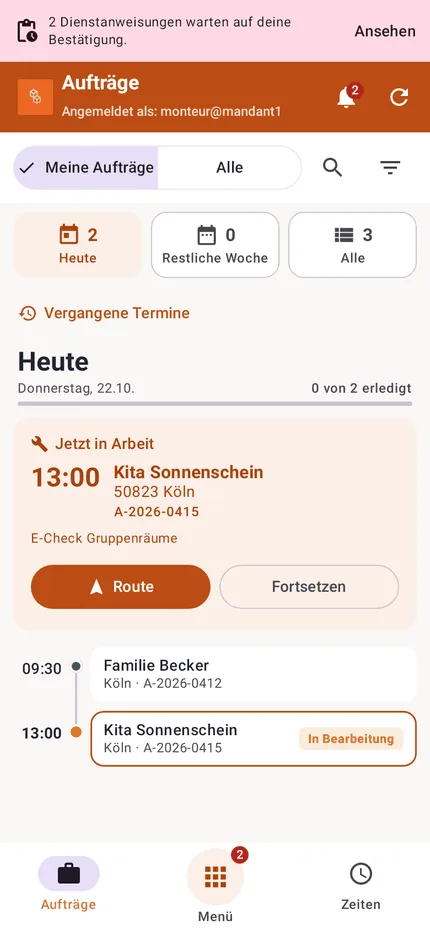
Signing in
Each employee needs their own account. You create it in the office under Personnel → Users (see Users and roles). Their role decides what they see and may do in the app.
If two-factor authentication is mandatory for your company, the employee sets it up before the first sign-in.
Allow notifications for the app. New orders, appointment changes and work instructions then arrive immediately as push notifications.